RayTracer
Role: Only Developer
Engine: Visual Studio only
Languages: C++
Tech: 3D mathematics, SDL library
Using a variety of 3D mathematics, developed a raytracer with different movable and rotate-able shapes (Cube, Sphere, Plane) and surfaces (solid, reflective, Glass).
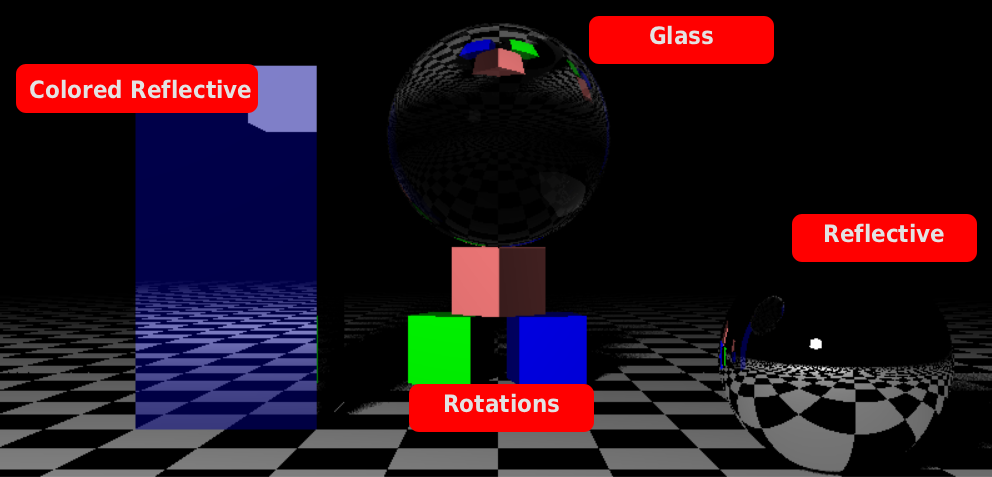
Summary
For this project I had the limitation that I was not allowed to use an existing math library, forcing me to create my own.
For this project I had 2 months to get as much functionality as possible. I created a variety of objects and surfaces, different light sources, functionality for making different scenes and camera movement.
Results & Impact
- Creating my own math library helped me better understand 3D mathematics.
- Developed unit tests to ensure desired results where met and increase debugging efficiency.
- By creating a scene class I was able to more easily create different environment for testing and showcasing
Technical Highlights
Ray Collision
To keep the system simple, the rays are checking if they collide with an object, and when they do, it will check if that location is within range of a light source to calculated how illuminated it is. The ray itself stores information on what it collides with and when it returns it will use that data to choose the color of the pixel. Surfaces that should warp the ray makes a new ray that travels at the new direction till it hits the end of the object where the direction get shifted back.
Light Sources
I created 3 different light sources for this project, a point light, a directional light, and the ability to turn objects into light sources.
code: Github
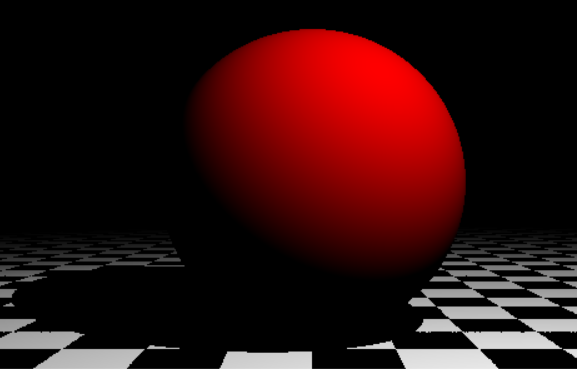
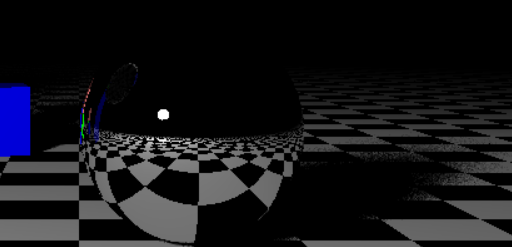
A sphere collision with a point light. has a sharp shadow.
See Code: Sphere Collision
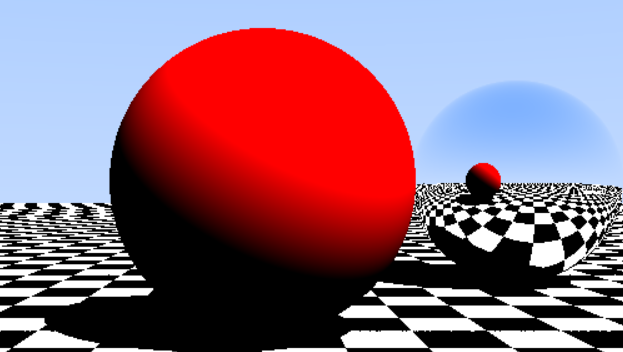
Reflective objects with directional lights. Object materials can be set to be reflective by changing specularity.
See Code: Material
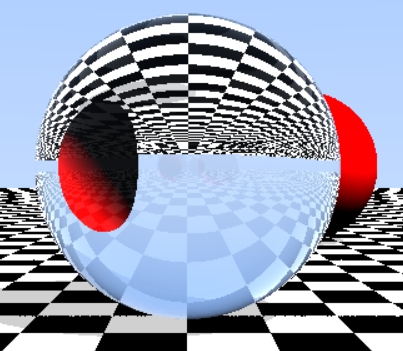
Glass objects with directional lights. You can set the refraction of the object to modify how the ray interacts with it.
See Code: Material
Cube turned into a light source. the shadows become less sharp.
Optimization
To optimize the raytracer, I use a grid based approach where I check the 4 corners of a 32 by 32 pixel square. If those 4 rays hit the same object, all rays in the 32 by 32 square will hit the same object, ignoring the other objects in the scene. I used this system because I only planned to have simple shapes and due to time constraints.
See Code: Scene
Rotating Objects
To rotate objects I created a matrix class that uses a 3 by 3 array to calculate the rotation of a position around the center point. To improve performance, objects keep their original rotation, but whenever a ray checks if it intersects, I rotate the ray's direction around the object instead. this makes it so I only have to rotate 1 Vector.
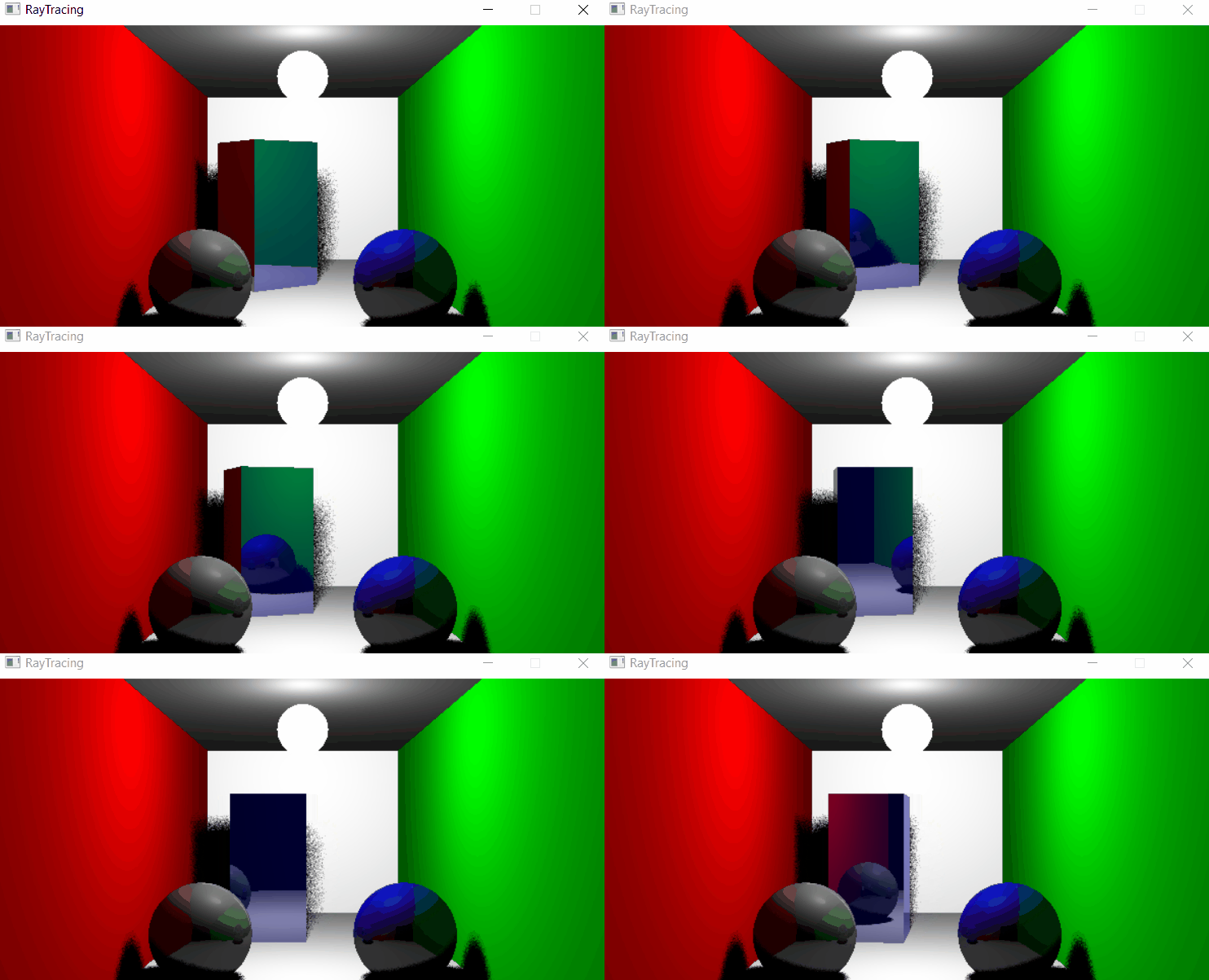
Here you can see a cube being rotated together with a spherical object turned into a light source.
See Code: Rotation Matrix