A Gnome In Sea - 3D Platformer
Role: Game Programmer
Engine: Unity
Languages: C#
Tech: UI systems, Interfaces, Hierarchical State machines
Summary
This Project was made for Brackeys Game Jam in the span of 1 week. The theme for this jam was Strange Places, so our team decided to go with a dream like setting.
As the only programmer on the team, I was responsible for all technical implementation. This included translating gameplay features from our designer's documents into code, building and linking an animation controller to the player state machine using the artist's assets, and integrating sound effects created by our sound designer.
Results & Impact
- Created a hierarchical player state machine allowing for scalability and encapsulation for bug fixing
Interaction feature using interfaces, allowing designers to add interactions to objects with minimal effort
Developed the gameplay loop using a custom game manager and UI features, giving the player a smooth gameplay experience.
Technical Highlights
Interaction features
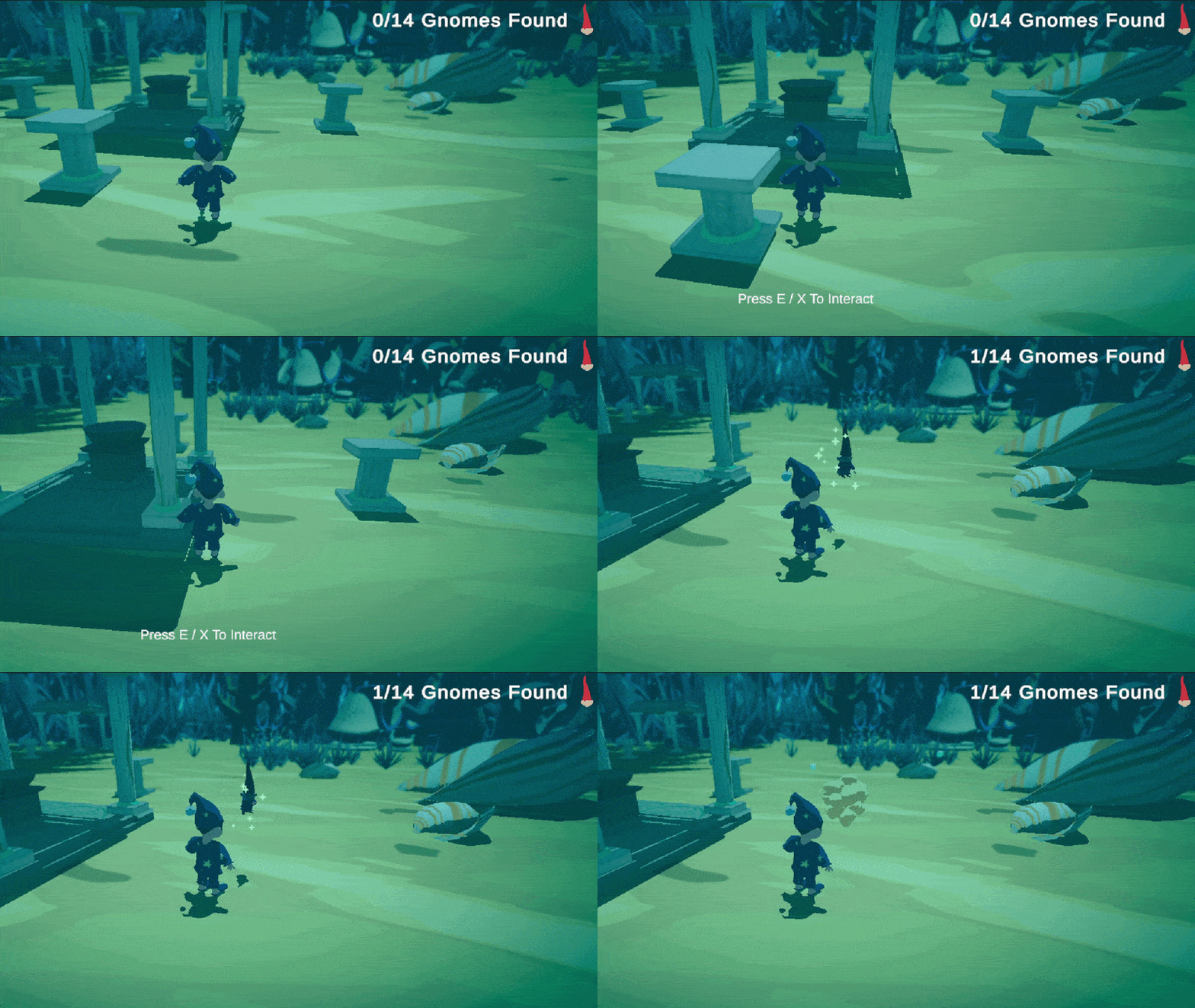
To make it easier for the designer to work with the interaction system, I created an Interaction interface. The player's interact functionality looks for any nearby objects with an Interact interface using a layer mask which gets automatically set to the game object that is interactible.
For more information, check Interaction code on github
Key contributions:
- Interactible system that automatically sets key interaction values, reducing the risk of anything breaking.
- Bouncing interactible, when interacted, uses an alpha to lerp the scale of the object and play random sound effect from list
- Gnome interactible, when interacted, hides the object and spawns a dancing gnome.
UI systems
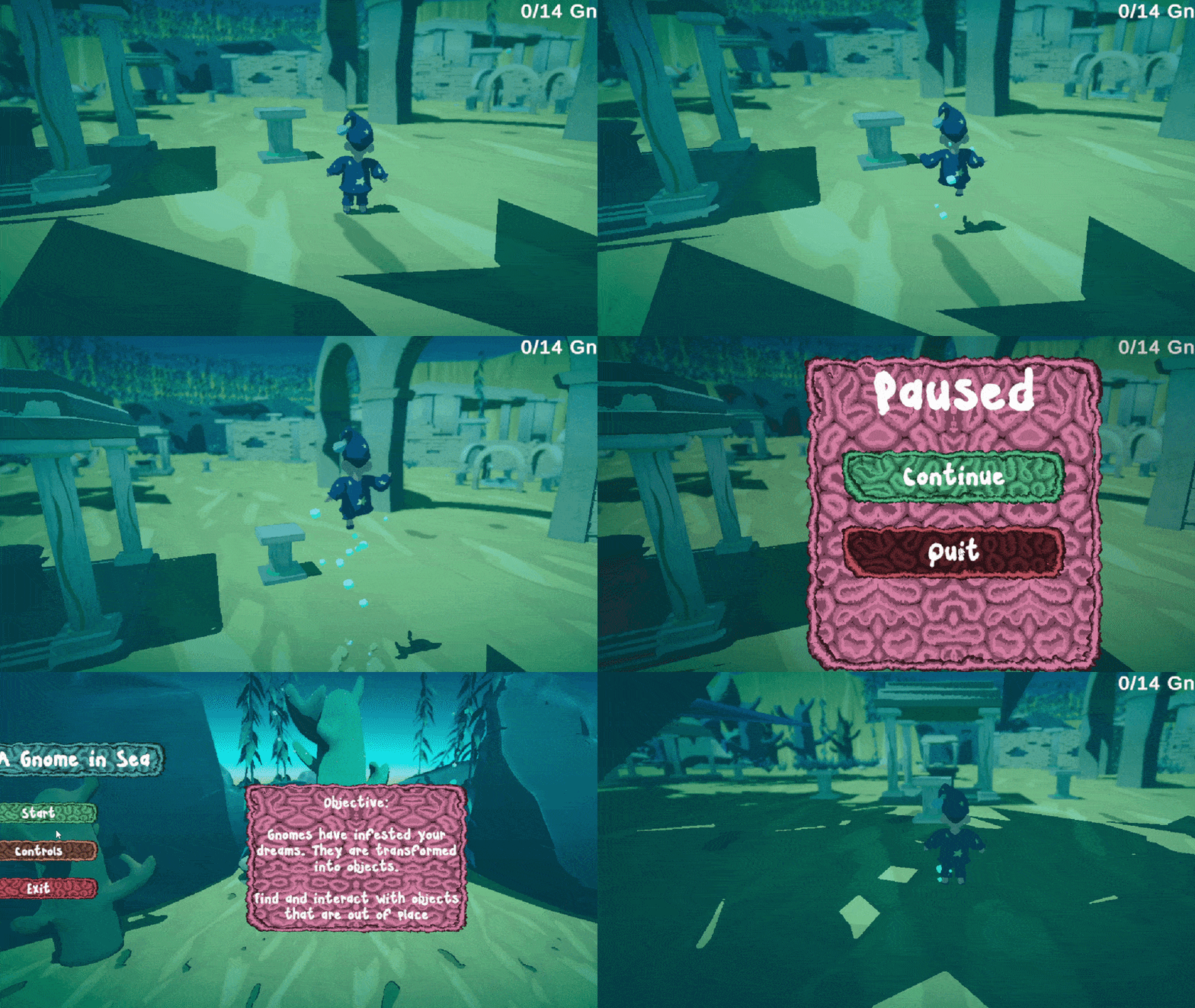
Developed UI functions to easily allow buttons to move the player between scenes or interact with the game manager to pause the game.
Key contributions:
- Main Menu and End Screen UI
- Pause system that stops the game using custom game manager
Player Hierarchical State Machine
To make it easier to encapsulate and fix bugs and for readability, I created a hierarchical State Machine for the player movement. I decided to use a hierarchical structure so I could use the movement states in different root states, for example falling, jumping, or while on the ground.
For more information, check Player Code on github
Key contributions:
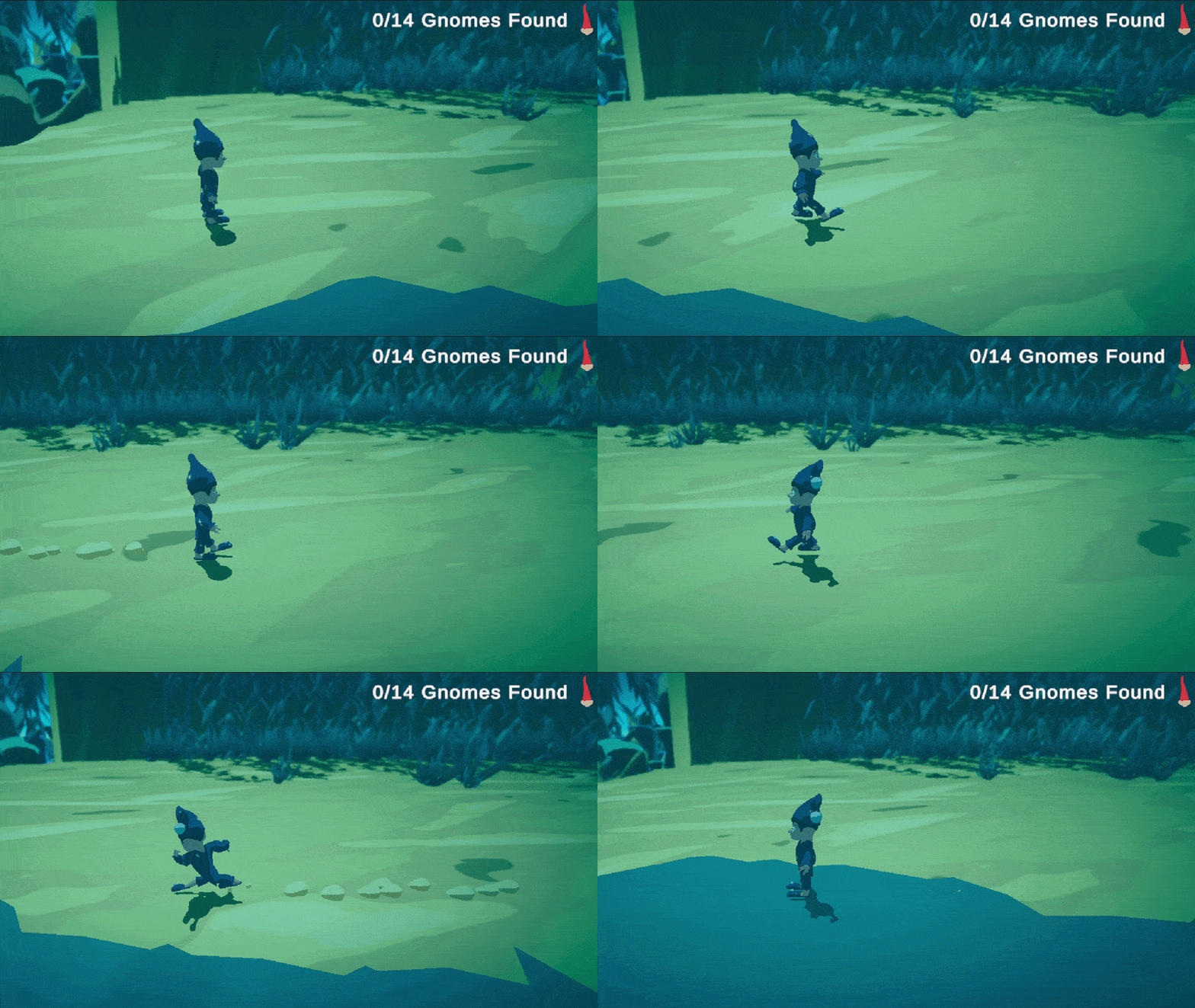
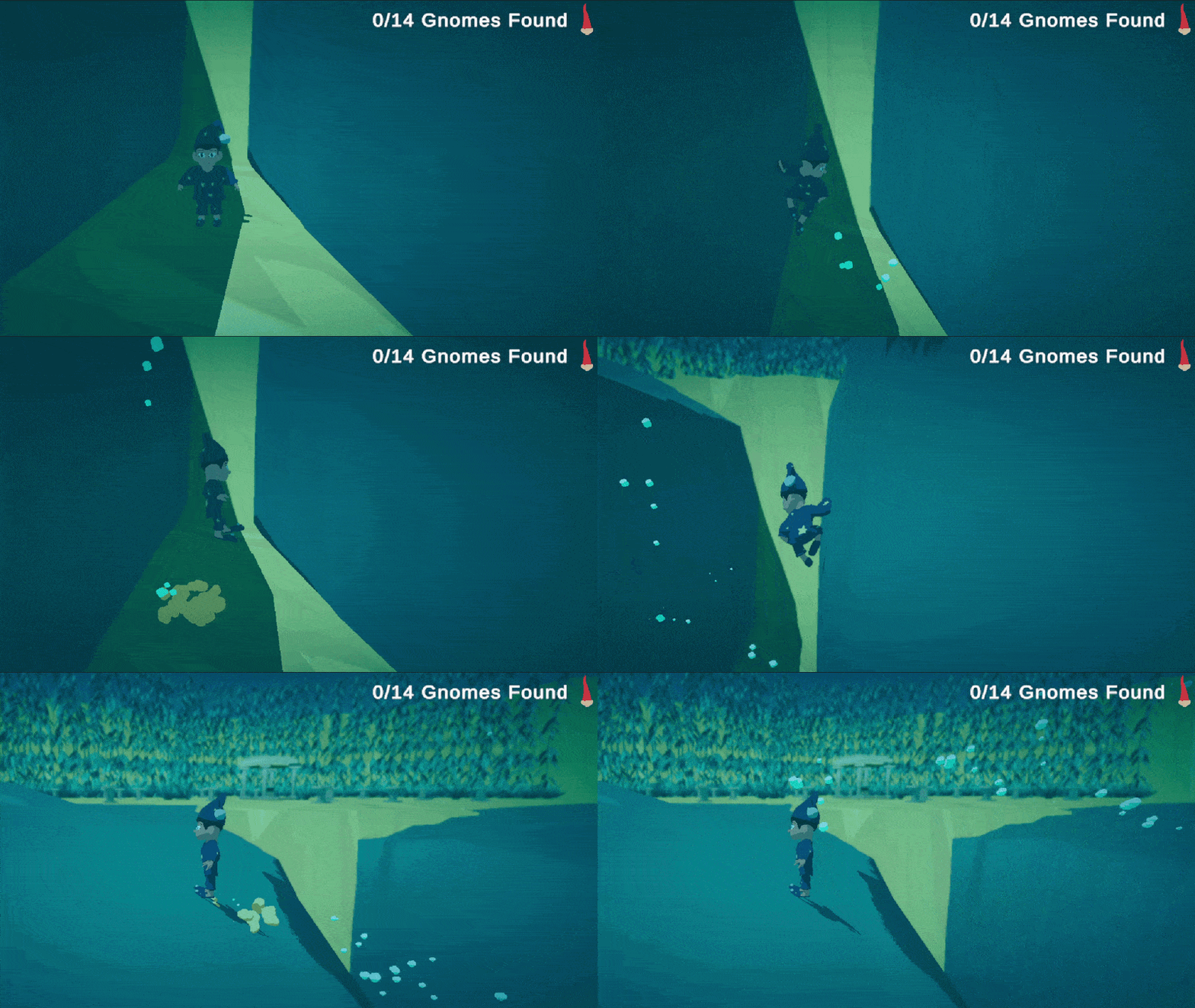
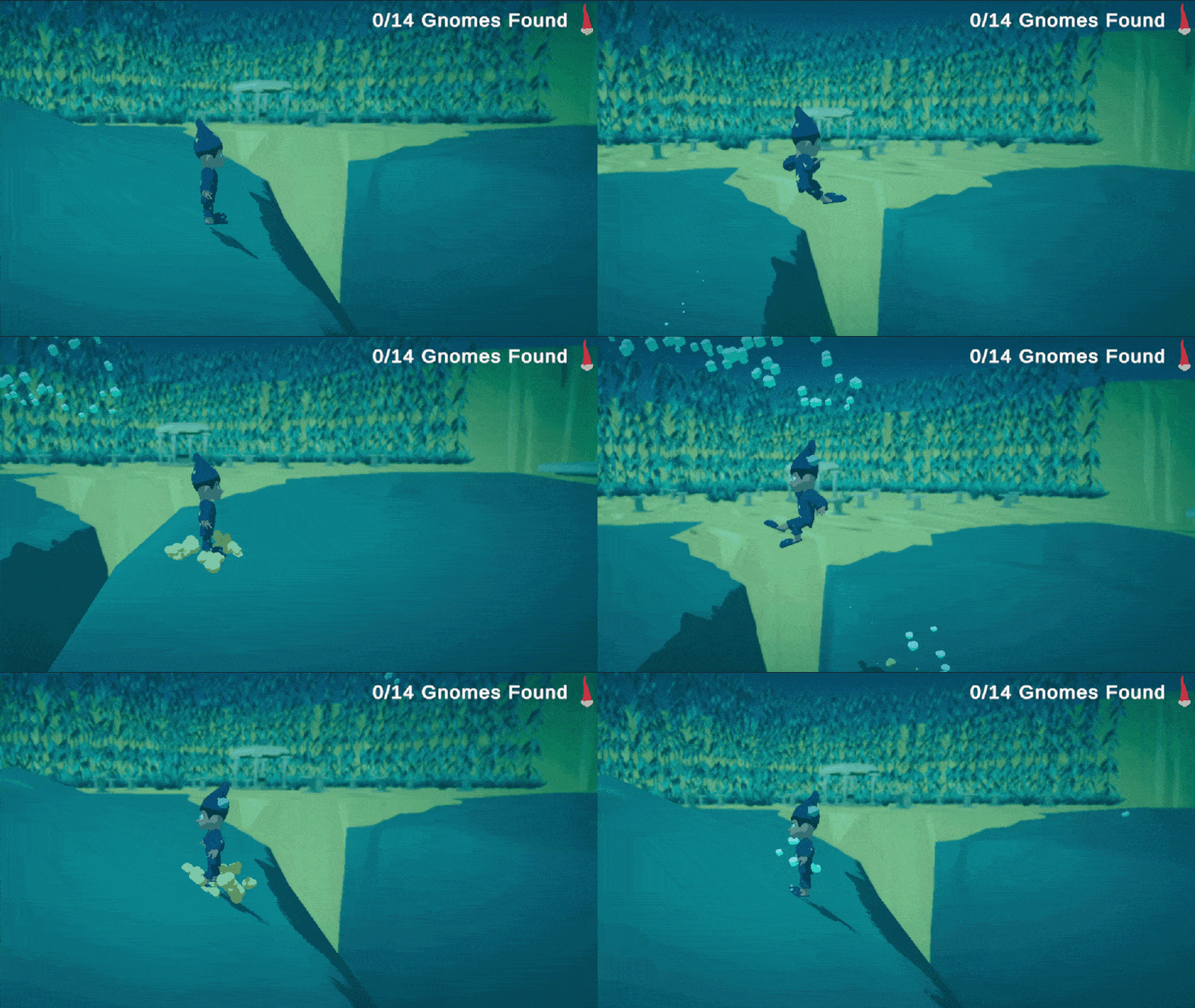
Hierarchical state machine for player movement allowing the player to Move, Run, Jump, Fall, Dash or Wall Jump.
Setup player input system and event functions to handle input
Create player animation controller and use the player state machine to set controller parameters